Why Personalization Engines Slow Down Product Pages During Valentine’s Day Gift Shopping

Key Highlights
- Valentine’s gift shopping concentrates comparison-heavy, mobile-first browsing into a short window, and personalization-heavy product pages are exactly where that traffic goes first.
- A 100-millisecond delay in a personalization response has been measured at a 7% conversion drop, and over half of mobile shoppers abandon a page that takes longer than 3 seconds to load.
- Personalization and performance are usually built and measured by separate teams, which is why the latency cost of a recommendation engine rarely shows up until a conversion dashboard flags a drop nobody can immediately trace.
- Sigma designs AI personalization that meets a defined speed budget, optimizes caching and inference, and audits third-party scripts through its eCommerce AI practice.
Valentine’s gift shopping sends a surge of comparison-shopping, mobile-heavy traffic to product pages loaded with AI-driven recommendations, and ecommerce personalization is exactly the kind of feature that adds real latency without anyone noticing until conversion drops. Personalization-adoption content never mentions the speed cost; performance-engineering content treats recommendation widgets as a generic third-party script rather than a specific, fixable latency problem. This blog covers where that latency actually comes from, what a page-speed budget and edge-served recommendations do to fix it, and why Valentine’s gift-shopping traffic is exactly the segment that pays the cost of getting this wrong.
Do Personalization Engines Slow Down Websites?
Personalization engines slow down websites because every personalized element, a recommendation widget, a dynamic headline, a tailored product grid, requires a decision to be made about that specific visitor before the page can finish rendering, and that decision usually means a round trip to a server somewhere.
| Latency source | What it costs | Why it’s missed |
|---|---|---|
| Centralized personalization round trip | A typical identity-to-content round trip runs close to 200 milliseconds per call, and pages often make several | Looks like normal API latency in monitoring tools, not a personalization-specific line item |
| Compounding calls per page | Identity lookup, segment matching, inference, and content assembly can each add their own round trip | Each call looks small individually; the total is rarely measured together |
| Conversion sensitivity to small delays | A 100-millisecond delay has been measured at a 7% conversion drop in retail personalization specifically | Conversion dashboards flag the drop, but rarely trace it back to a specific latency source |
| Mobile abandonment threshold | More than half of mobile shoppers abandon a page that takes over 3 seconds to load | Desktop testing often looks fine; the problem surfaces specifically on mobile, where gift-shopping traffic concentrates |
The pattern across all four rows is the same: personalization latency is real, measurable, and expensive, but it’s spread across enough small, individually-reasonable-looking delays that it rarely gets diagnosed as one problem until a retailer loses conversion during exactly the traffic spike, like Valentine’s gift shopping, where it matters most.
Part of why this stays undiagnosed for so long is organizational, not technical. The team that adds a personalization engine is usually optimizing for engagement and relevance, measured against its own dashboard. The team that owns page speed is usually optimizing against a separate Core Web Vitals or load-time dashboard, often reviewed on a different cadence. Neither dashboard, on its own, surfaces “this specific recommendation widget added 180 milliseconds to this specific page template.” The gap only becomes visible when someone deliberately correlates the two, personalization rollout timing against a conversion or load-time dip, which is a step most retailers don’t take until a seasonal traffic spike makes the cost large enough to notice.
How Do You Make AI Recommendations Fast?
Making AI recommendations fast means moving the identity, segment, and inference decisions that drive personalization closer to the visitor, so the round trip that currently takes close to 200 milliseconds doesn’t have to travel to a distant, centralized server at all.
Edge-served personalization, running that same decisioning logic on a server geographically close to the visitor rather than one centralized data center, is the most consistently cited fix across the infrastructure research reviewed for this piece, with edge processing cutting that round trip to roughly 40 milliseconds in vendor benchmarking. Cached responses for repeat visitors and cached image variants for recommended products reduce the number of fresh decisions a page has to make at all. None of this requires turning personalization off; it requires moving where the decision happens.
Async loading is the other half of the fix, and it matters even on pages that can’t move to edge infrastructure right away. A personalized recommendation strip doesn’t need to block the rest of the page from rendering while it waits on its own data; the surrounding product content, images, and price can render first, with the personalized element populating in as soon as its own call returns. Treated this way, a slow personalization response costs that one element a few hundred milliseconds instead of delaying everything above it, which is often enough on its own to keep a page under the mobile abandonment threshold even before any infrastructure change is made.
What Is a Page Speed Budget?
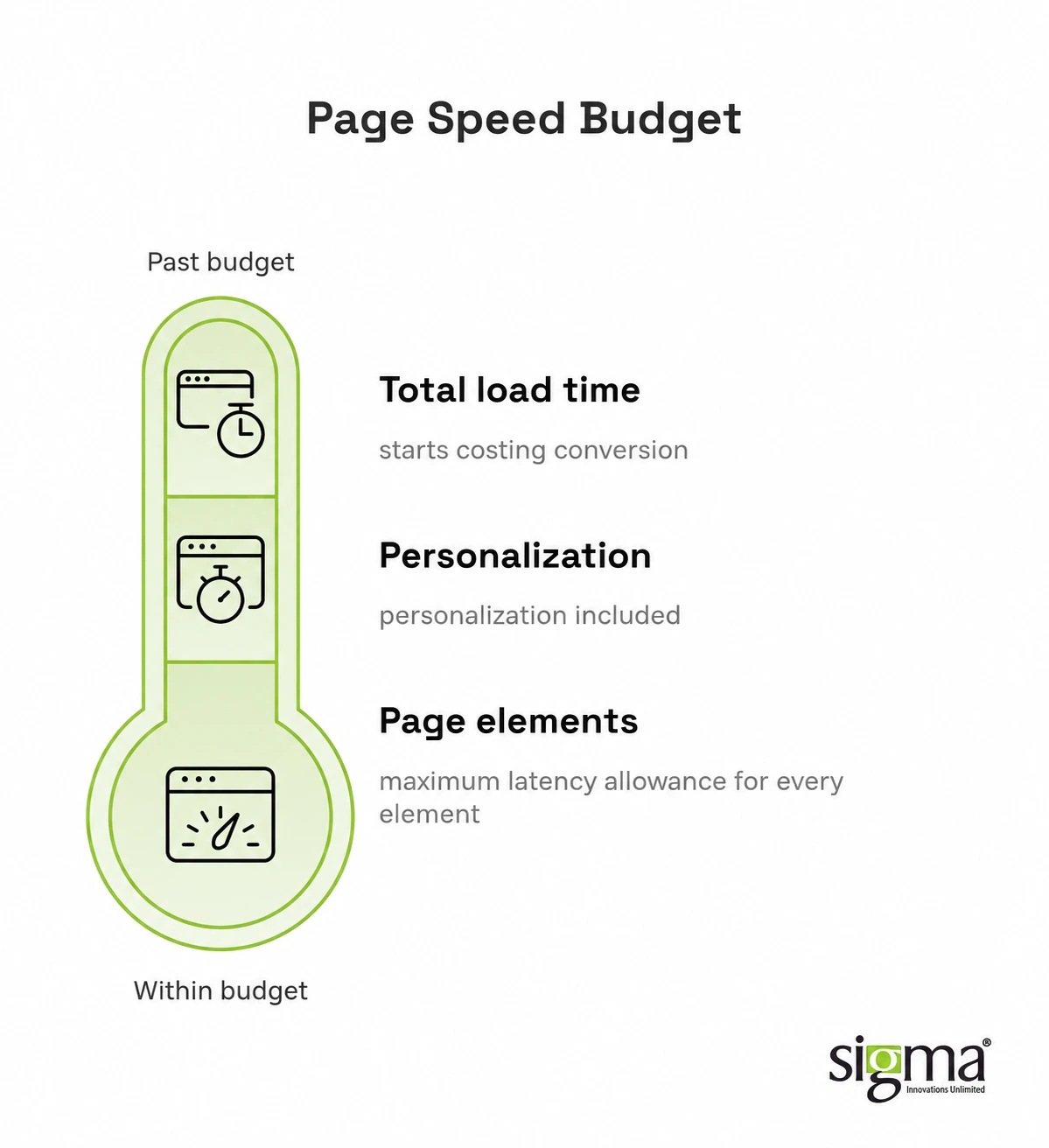
A page speed budget is a maximum latency allowance assigned to every element on a page, including personalization, so that no single feature, however valuable on its own, is allowed to push total load time past the point where it starts costing conversion.
Without a budget, a personalization engine gets added to a page, tested in isolation, and approved because it performs well on its own; the problem shows up only once several such features accumulate on the same page and their combined latency crosses the threshold where mobile shoppers start abandoning. A speed budget also has to apply during A/B testing itself, not just to the production page: running a personalization experiment without accounting for the test’s own added latency means a test can show a lift in engagement while quietly costing conversion to the slowdown the test introduced, a trade-off that’s easy to miss if load time isn’t tracked as its own metric alongside the test’s primary one.
Why Does This Matter Most During Valentine’s Gift Shopping?
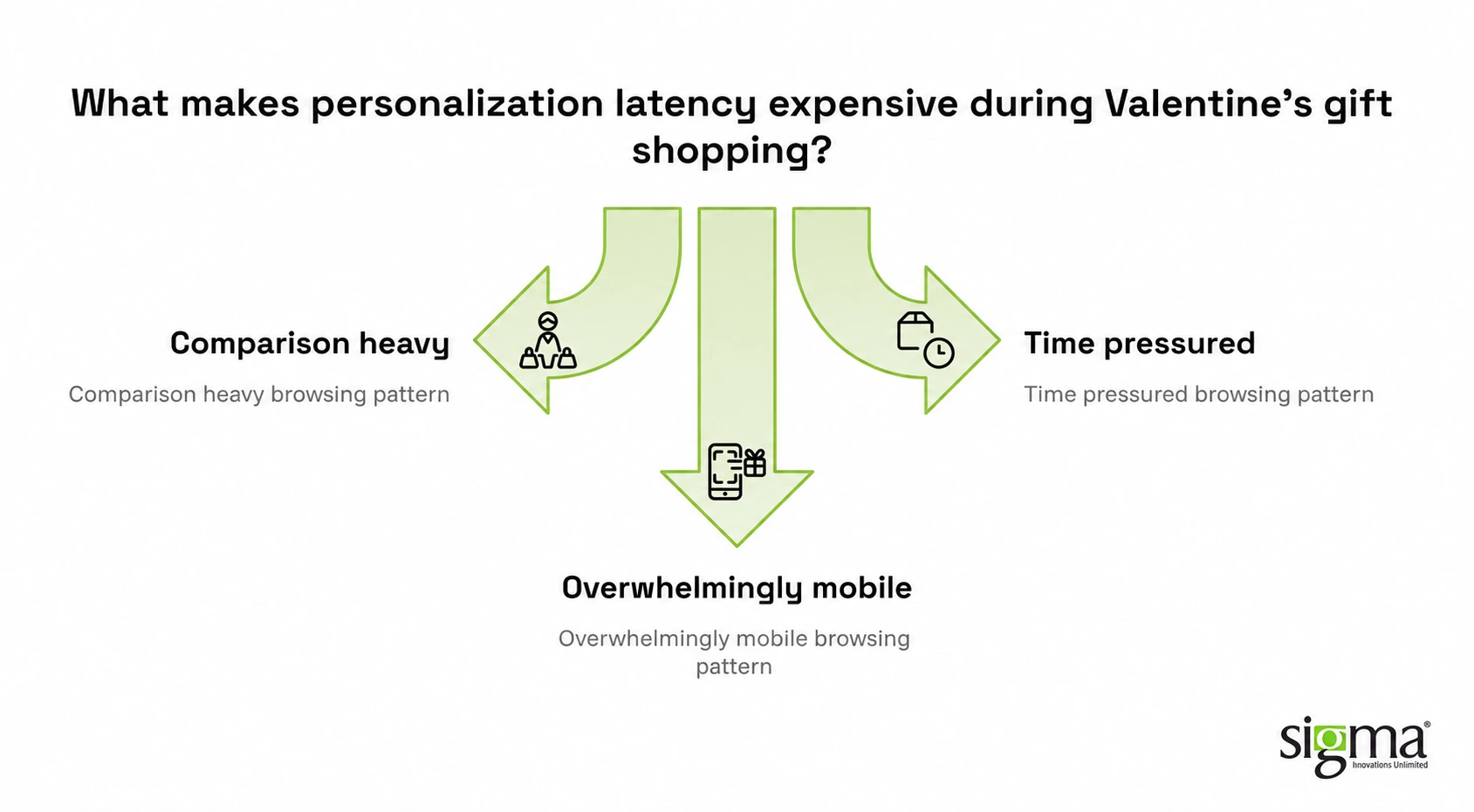
Gift shopping concentrates exactly the browsing pattern that makes personalization latency expensive: comparison-heavy, time-pressured, and overwhelmingly mobile. A shopper comparing gift options across several product pages in a single session notices a slow-loading recommendation widget far more than a browsing session with no deadline attached, and mobile is already the device where the 3-second abandonment threshold bites hardest.
That timing also means the cost of getting this wrong compounds during exactly the window a DTC or gifting retailer most wants personalization working well, the stretch where a well-targeted recommendation should be driving incremental revenue, not quietly suppressing it through added latency the team never isolated as the cause.
The traffic pattern itself adds another layer. Gift-shopping sessions skew toward last-minute, often starting a few days before February 14 and compressing into evenings and lunch breaks rather than spreading evenly across the day, which means the personalization engine has to perform under peak concurrent load at the exact moments it’s least likely to have been stress-tested. A recommendation engine that returns fast results during a normal Tuesday afternoon load test can still slow down under the concurrent request volume a gifting peak actually produces, which is why performance has to be validated against realistic peak-traffic conditions ahead of the season rather than assumed from off-peak testing.
How Sigma Builds AI Personalization That Meets a Speed Budget
Most of the content a retail leader finds while researching this problem splits cleanly into two groups: personalization-adoption content that never mentions the performance cost, and performance-engineering content that treats recommendation widgets as a generic third-party script rather than a specific, fixable latency source. Neither gives a retailer a way to get both at once.
Sigma has solved a closely related version of this problem before. For ExcelHealth, maker of the iReliev line of FDA-cleared electrotherapy devices, Sigma built an integrated WooCommerce ecosystem with NetSuite ERP integration that kept inventory and order data accurate end to end, contributing to a 62% gross sales increase. That engagement covers ecommerce systems integration rather than AI personalization or page-speed work specifically, which is disclosed here rather than implied as a direct match; no published Sigma case study on personalization-latency optimization specifically was found after a targeted search.
The same underlying problem, a feature that adds real latency a retailer didn’t isolate as its own cost, shows up in a different part of the page too: see why Christmas week shipping-cutoff banners slow down a site without losing urgency for the promotional-banner version of the same diagnosis.
For a DTC or gifting retailer heading into another Valentine’s season, the real choice is between a personalization build measured against a defined speed budget, or discovering the latency cost live, through a conversion drop nobody immediately traces back to the recommendation widget. Sigma can run that build as a defined engagement or stay engaged as the product team behind personalization and performance together through every seasonal traffic spike on the calendar.
Conclusion
eCommerce personalization adds real, measurable latency to a product page, and Valentine’s gift shopping sends exactly the traffic segment, comparison-heavy and mobile-first, that pays the highest cost when that latency goes unmanaged. A 100-millisecond delay in a personalization response has been measured at a 7% conversion drop, and more than half of mobile shoppers abandon a page that takes longer than 3 seconds to load, a threshold gift-shopping sessions hit more easily than ordinary browsing. That latency rarely gets diagnosed as one problem, since it’s spread across several individually small-looking round trips: an identity lookup, a segment match, an inference call, and content assembly can each add their own delay before a personalized element ever renders. It also tends to fall between two teams, one measuring engagement and one measuring page speed, so the correlation between a personalization rollout and a conversion dip often goes unmade until a seasonal spike makes the cost too large to ignore. Moving that decisioning logic to the edge, closer to the visitor, is the fix infrastructure research consistently points to, cutting a roughly 200-millisecond round trip down to something closer to 40 milliseconds. Loading personalized elements asynchronously, so they populate in after the rest of the page renders rather than blocking it, helps even before any infrastructure change is made. A page speed budget turns both fixes into a standing practice rather than a one-time cleanup, capping the latency any single feature, personalization included, is allowed to add before it starts costing conversion. That budget has to apply during A/B testing too, since a test can show an engagement lift while quietly costing conversion to the slowdown the test itself introduces. Gift-shopping traffic also concentrates into compressed, last-minute peaks, so personalization performance needs validating against realistic peak load, not an off-peak test that misses the exact conditions the season produces. None of this requires turning ecommerce personalization off; it requires treating speed as a requirement the personalization engine has to meet, not a separate concern for a different team to monitor later. A retailer that measures personalization against a defined speed budget converts Valentine’s gift-shopping traffic instead of quietly losing it to a page that never finishes loading in time, while the alternative, a conversion dashboard that nobody connects back to the recommendation widget, is the more expensive way to learn the same lesson.
FAQs
Do personalization engines slow down websites?
Personalization engines slow down websites because every personalized element requires a decision made specifically for that visitor, usually through a round trip to a server. A typical centralized personalization call takes close to 200 milliseconds, and pages often make several such calls before a personalized element finishes rendering.
How do you make AI recommendations fast?
Making AI recommendations fast means moving the identity, segment, and inference decisions behind personalization closer to the visitor, through edge-served processing, rather than routing every request to one centralized server. Caching responses for repeat visitors and cached image variants for recommended products further reduce how often a fresh decision has to be made.
What is a page speed budget?
A page speed budget is a maximum latency allowance assigned to every page element, including personalization, so no single feature is allowed to push total load time past the point where it starts costing conversion. It should apply during A/B testing too, not just on the production page.
Why does personalization latency matter most during Valentine’s gift shopping?
Valentine’s gift shopping concentrates comparison-heavy, mobile-first browsing into a short window, and mobile is already the device where slow-loading pages lose the most shoppers. A personalized product page that loads too slowly costs conversion exactly when a well-targeted recommendation should be driving incremental revenue instead.
What does a 100-millisecond delay cost in ecommerce personalization?
A 100-millisecond delay in a personalization response has been measured at a 7% conversion drop in retail-specific testing. That’s a small enough delay to go unnoticed in general page-speed monitoring, which is why personalization latency often isn’t diagnosed as its own problem until conversion data flags it.